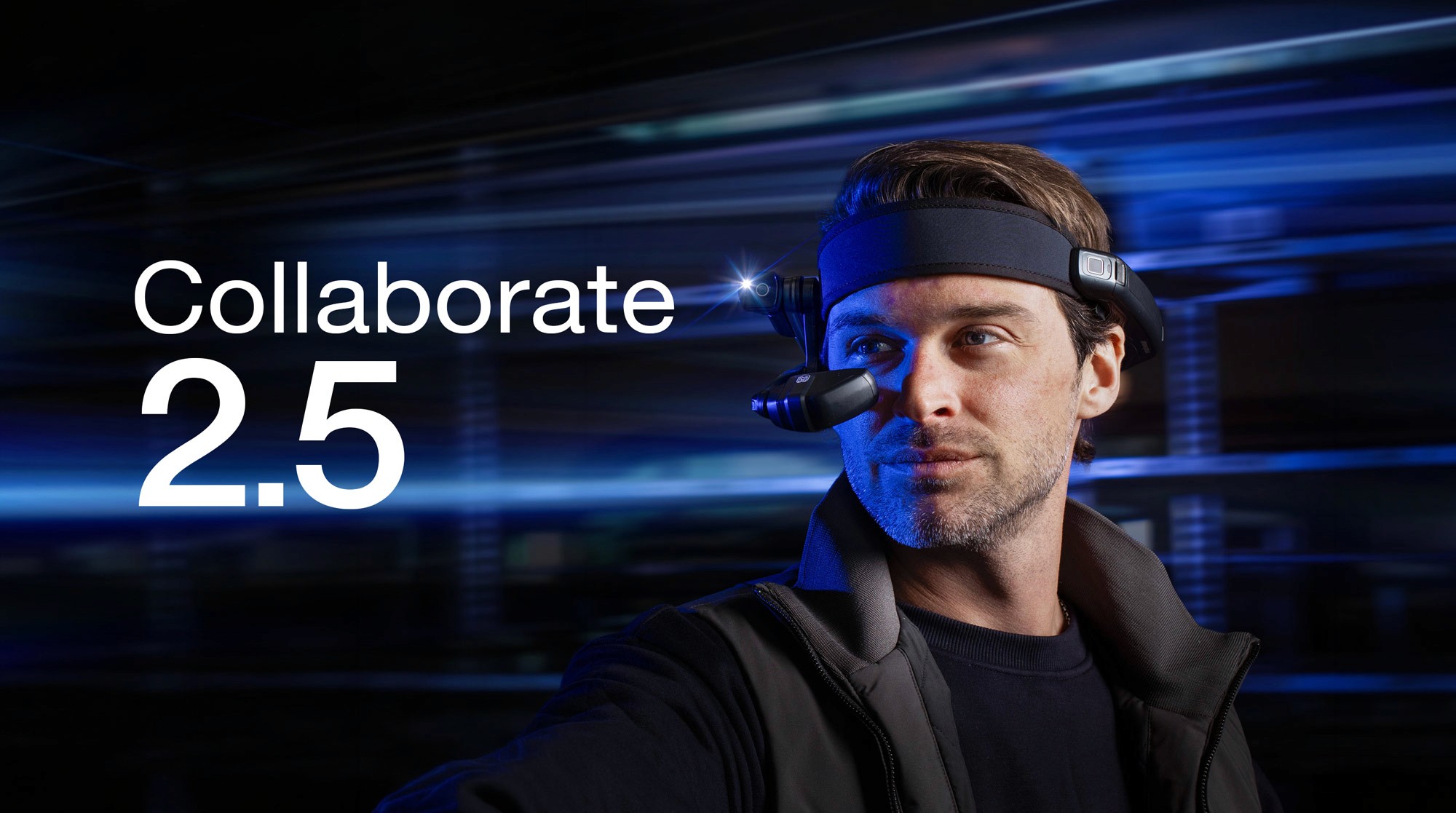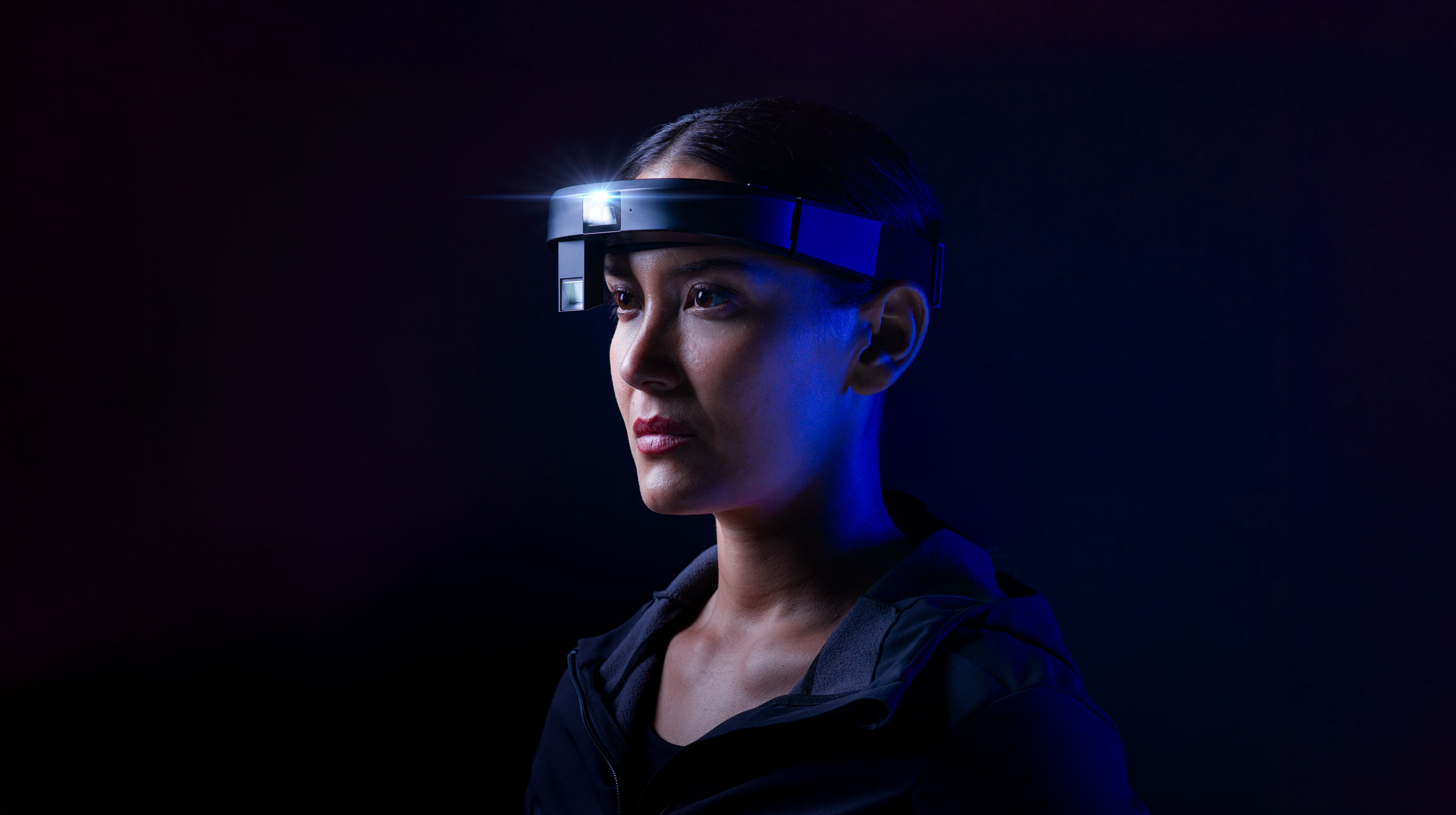

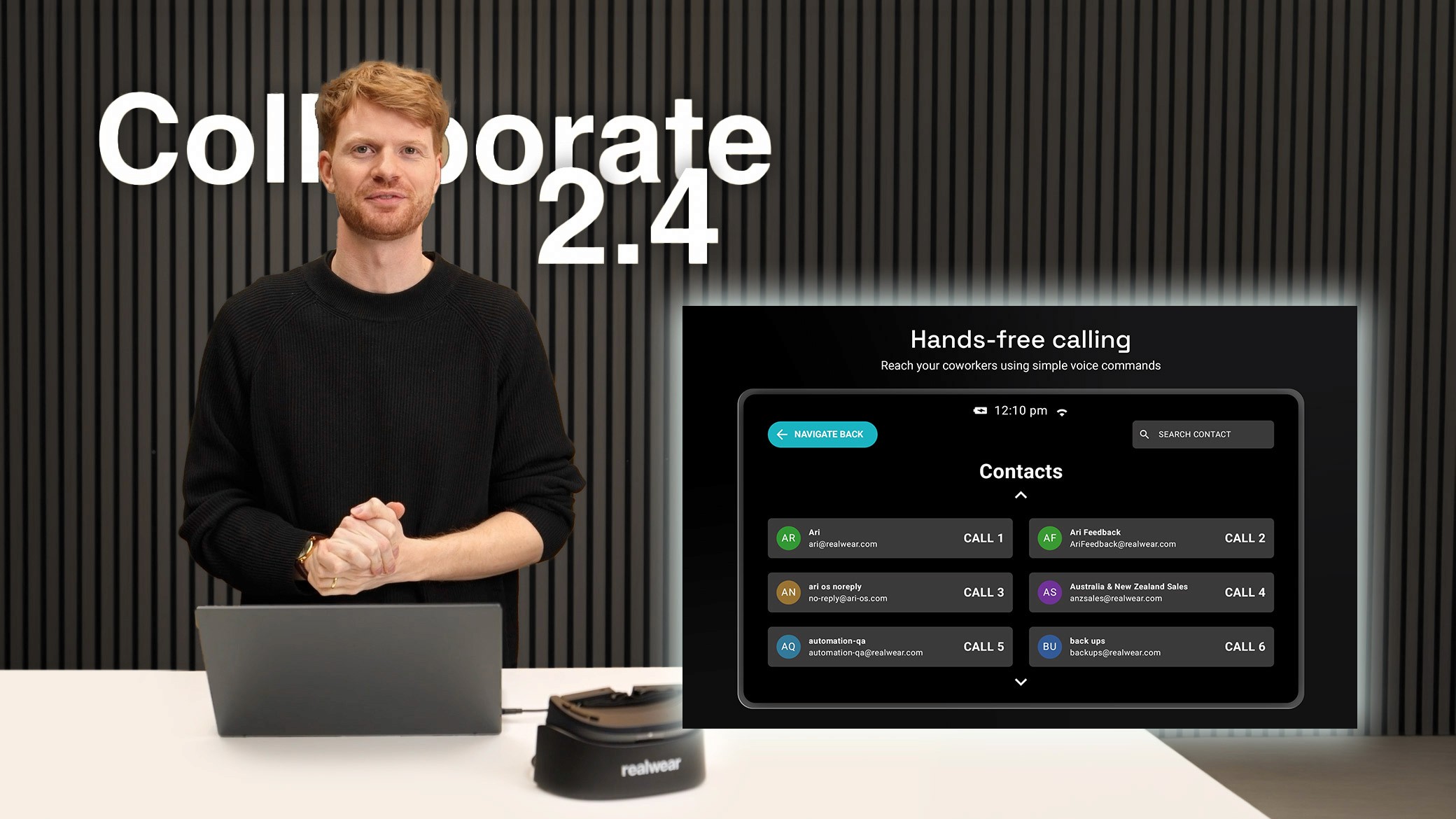
We're really excited to share that Collaborate 2.4 is now live on the RealWear App Marketplace. This update is packed with practical, high-impact improvements that make Collaborate smarter, more flexible, and even easier to deploy across your organisation.
What's New in Collaborate 2.4
Auto-Accept Calls: Pick It Up and Go
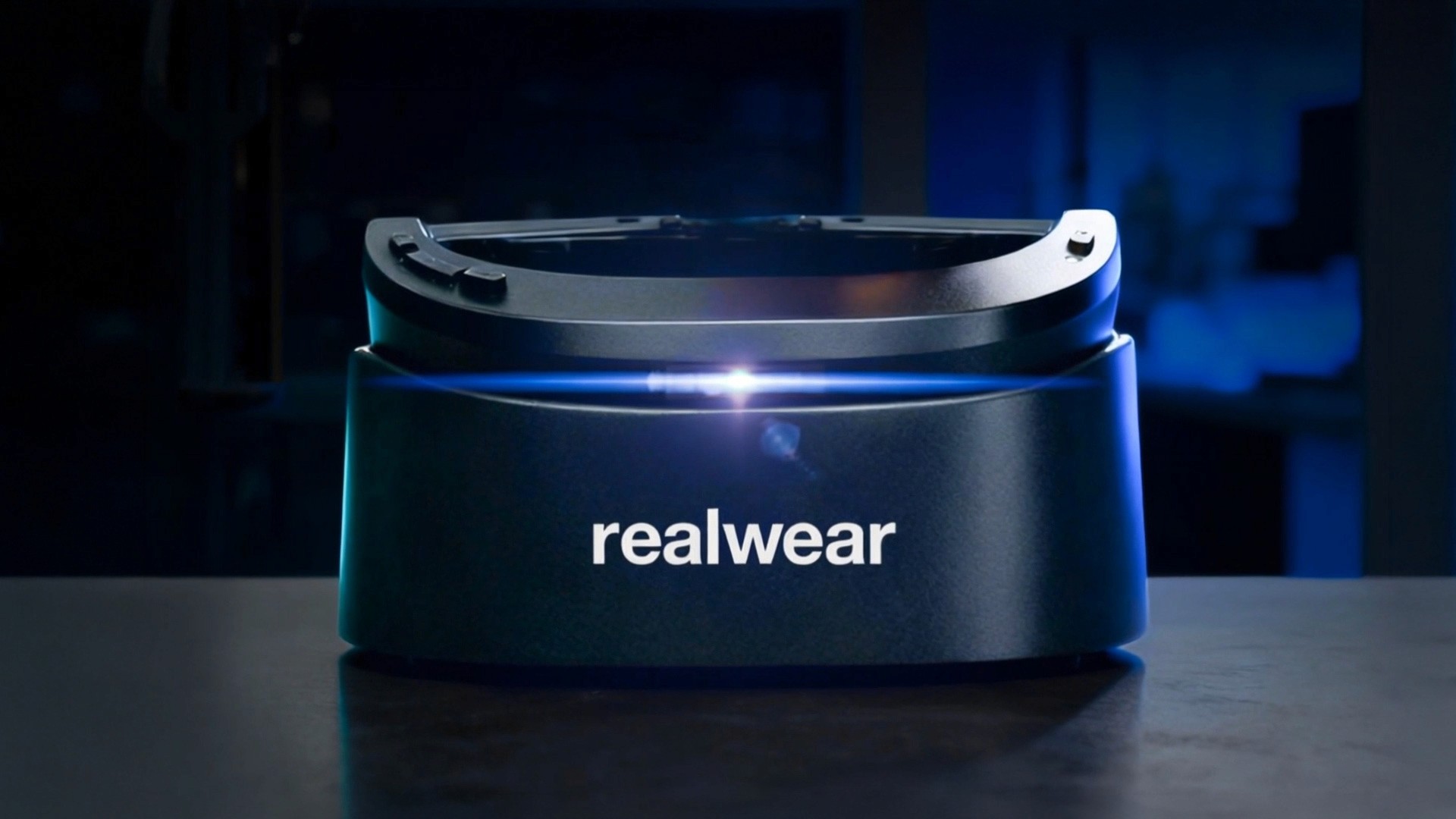
When your device rings on the charging station, just pick it up and put it on. The call connects automatically.
No voice commands. No button presses. For workers suiting up and heading straight into a job, this removes one more step between them and the support they need. It's hands-free collaboration taken to its logical conclusion.
Auto-Call on Undock: Built for Shift Starts and Handovers
Set a contact once in the config file. Every time the device comes off the dock, it calls that person automatically.
This feature is ideal for shift starts and handovers, where a quick check-in with a supervisor or teammate is already part of the routine. Set it up once, and the device handles the rest. Less friction, faster starts, better handovers.
External Contacts: Your Network Just Got Bigger
Collaborate used to be limited to your internal Teams tenant. Not anymore.
With 2.4, you can now see and call external contacts, including suppliers, service providers, and contractors, directly from your contact list. For organisations that rely on external expertise to keep operations running, this is a significant step forward. The people your frontline workers need are now all in one place.
Plus: Smarter Contact Display, Cleaner Group Management, Volume Controls, and a Time-Sync Alert
We've also refined how contacts are displayed for faster, clearer navigation. Group management is cleaner and more intuitive. Volume controls now work on non-RealWear Android devices. And a new time-sync alert lets you know when your device clock is out of sync, keeping authentication smooth and calls connecting reliably.
Why This Matters for Frontline Professionals
Faster starts: Auto-Call on Undock means workers are connected from the moment they pick up their device.
Zero friction calls: Auto-Accept removes every barrier between a ringing headset and an active conversation.
Broader reach: External Contacts means the right expertise is always just a voice command away, regardless of whether they're inside or outside your organisation.
The Foundation Behind It All
Collaborate 2.4 builds on everything that made Collaborate Teams 2 a breakthrough. Workers can initiate outbound calls directly to colleagues, supervisors, and entire Teams channels by voice. Remote experts can connect to a headset using a Quick Connect Code without the worker needing to be signed in. And FLIR thermal camera integration lets workers share live thermal imaging within a Teams call, giving remote experts the visual insight they need for inspections, maintenance, and safety checks.
Collaborate is built on Microsoft Azure Communication Services, ensuring enterprise-grade security, compliance, and seamless integration with Microsoft Dynamics 365 Field Service. If Teams is already running in your organisation, Collaborate works the same way.
Collaborate 2.4 runs on the Navigator 500/520, Navigator Z1, and Arc 3, and supports 10 languages including English, German, Spanish, French, Japanese, Korean, Portuguese, Simplified Chinese, and Turkish.
Get Started
Collaborate 2.4 is available now on the RealWear App Marketplace. For technical setup and permissions guidance, visit the Collaborate support page.